

Your Playwright tests are already a demo
@viaalink/playwright-video-merge turns the videos of a Playwright run into one demo reel, each test opening with its name. Version 0.2.0 merges every recording, names every video from the report and keeps your test order.
TL;DR: @viaalink/playwright-video-merge merges the videos of a Playwright run into one reel. Each test opens with its name, taken from the JSON report, in the order you wrote the tests. Version 0.2.0 is the first release under the Viaalink name. It also fixes three bugs we only found by running the tool on real Playwright output.
Watch the film on YouTube. We link it rather than embed it: an embedded player would load Google’s servers on every page view.
End-to-end tests click through everything your app can do. Playwright can film every one of them. Those videos then sit in a folder per test, and nobody watches them unless a test fails.
Put together, they make a demo: what the system does, in the order the tests are written. A new team member can watch it, and so can a customer or a reviewer. It is also proof that this build does all of it.
Record, then merge
Turn video on for every test, and add the JSON reporter. The report supplies the test names.
// playwright.config.ts
export default defineConfig({
  use: {
    video: { mode: 'on', size: { width: 1280, height: 720 } },
  },
  reporter: [['list'], ['json', { outputFile: 'playwright-report.json' }]],
});
Run the tests, then merge the videos:
npm install -D @viaalink/playwright-video-merge   # needs ffmpeg on your PATH
npx playwright test
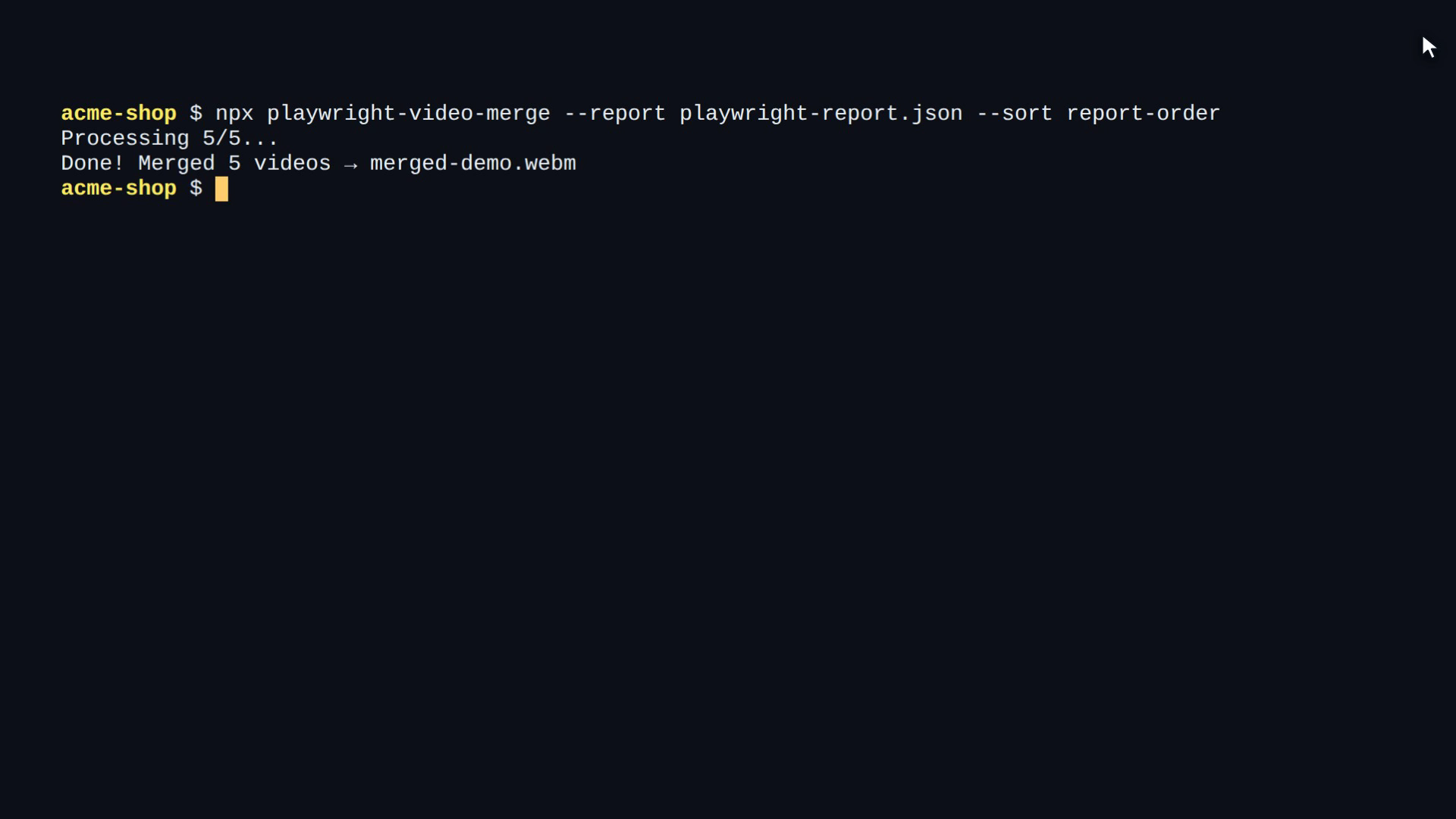
npx playwright-video-merge --report playwright-report.json --sort report-order
The result is merged-demo.webm, or an MP4 with -o demo.mp4 -f mp4. Each test starts with its name in the picture, for example Shop > checks out with a card, for five seconds.
Add it as a script, and every test run leaves a fresh demo behind:
"scripts": {
  "test": "playwright test",
  "reel": "playwright-video-merge --report playwright-report.json --sort report-order"
}
You can also call it from code with mergePlaywrightVideos({ inputDir, outputPath, reportPath, onProgress }).
What testing on real output found
The first version passed its own tests, but those used hand-made fixtures. For this release we ran it on what Playwright 1.58 and 1.62 really write, and found three bugs:
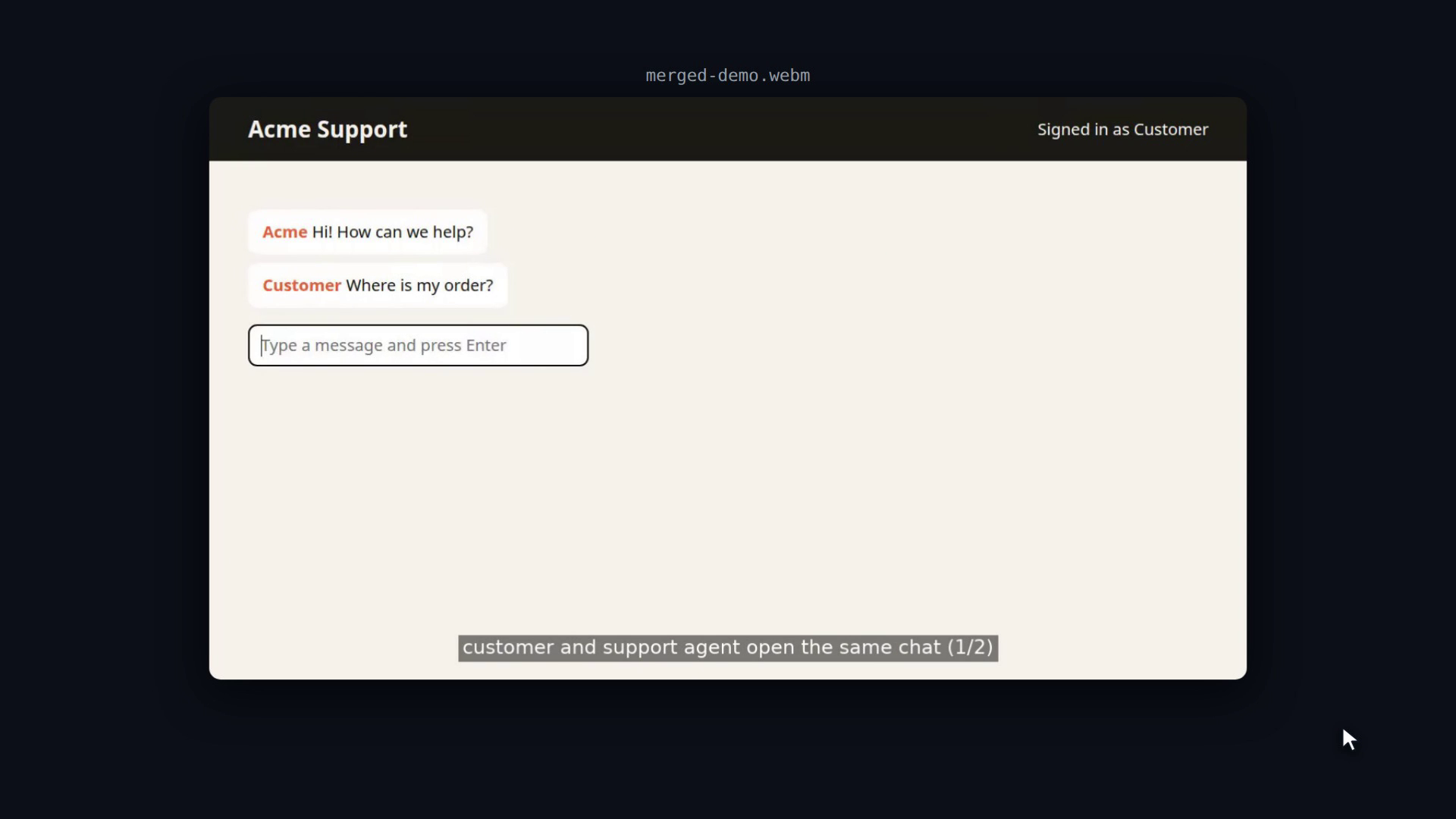
- Tests with their own browsers were left out. A test that opens two contexts, such as a customer and a support agent in one chat, records each one with
recordVideo. Playwright names those files after a hash (page@3a9bb5….webm), notvideo.webm, and the tool only looked forvideo.webm. Every.webmcounts now. Several recordings from one test become parts:(1/2),(2/2). - Most names came from folder names. The tool rebuilt each test’s folder name from its title, in lower case. Playwright keeps the capitals and shortens long titles with a hash (
app-Checkout-shows-a-very--18022-e-because-it-goes-on-and-on-chromium), so only one test in three got its real name. The JSON report already lists the path of every video, so the tool now matches on that. Retries are marked(retry1). --sort report-orderdid nothing. It now follows your files in declaration order. The JSON report lists a file’s top-level tests apart from its describe blocks, so the tool sorts them back by line number.
The real Playwright output is now a test fixture, so these cases stay covered.
The film is made with the tool
The film is made the same way as our Caddy promo film: a Playwright run in which every step checks that it worked. It types npx playwright test into a real terminal, checks that four tests passed, runs playwright-video-merge, checks that it merged five videos, and plays the reel it just made. If the tool breaks, there is no film.
New name
The package was published as @accelerated-software-development/playwright-video-merge. The old name is deprecated. Its last version (0.1.1) only forwards to the new package: imports and the playwright-video-merge command keep working. To switch, replace the name in package.json and your imports:
npm uninstall @accelerated-software-development/playwright-video-merge
npm install -D @viaalink/playwright-video-merge
Version 0.2.0 needs Node.js 20 or later and ffmpeg.
Get started: npm package · source on GitHub
Install from npm