

Viaalink Relay 1.37.0: every screen of the dashboard
Viaalink Relay 1.37.0 (ASUSTOR package 0.62.8): your own server on your own domain, with a dashboard for devices, people, domains and licenses. A tour of every screen.
Viaalink Relay 1.37.0 (ASUSTOR package 0.62.8) is out. Your Relay is your own server on your own domain: devices connect to it, and what runs on them gets an HTTPS address under your domain. Everything is managed in the Relay’s own dashboard. Here is every screen.
Buy a licenseWhat it does
- Free: 3 connected devices (up to 10 connections). A Relay runs on Free from its first start.
- Devices shows every device, online or not, with when it was last seen. People shows the same per person.
- Invite people by e-mail, through viaalink.com or your own mail server.
- Activate a license on the NAS: from your browser, with an activation code, or with a license file.
- Names per person: short (
terminal) or with a suffix (terminal-anna). Join codes carry the setting.
A tour of the dashboard
Every person, device, name and domain in these screenshots is invented: relay.example.com, Anna, Ben, Chris and Dana. The last four come from a real ASUSTOR NAS with its details replaced.
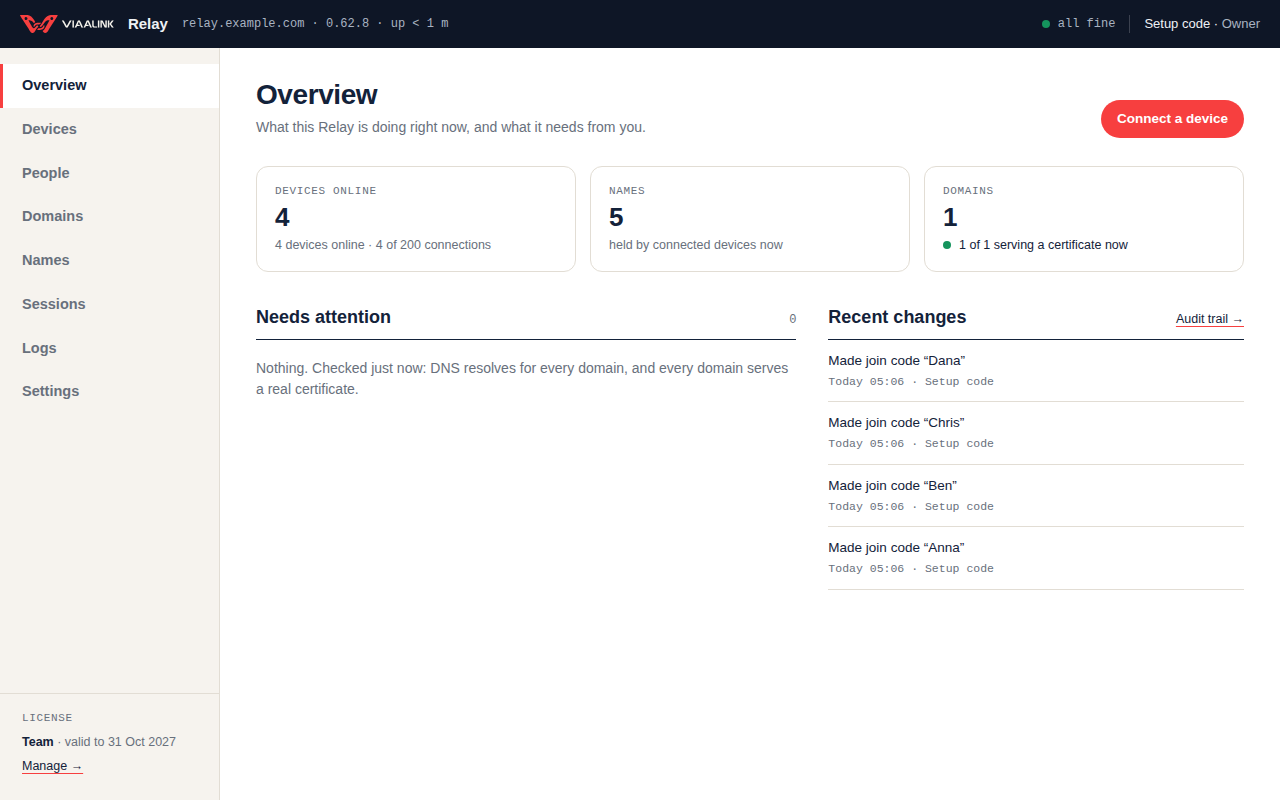
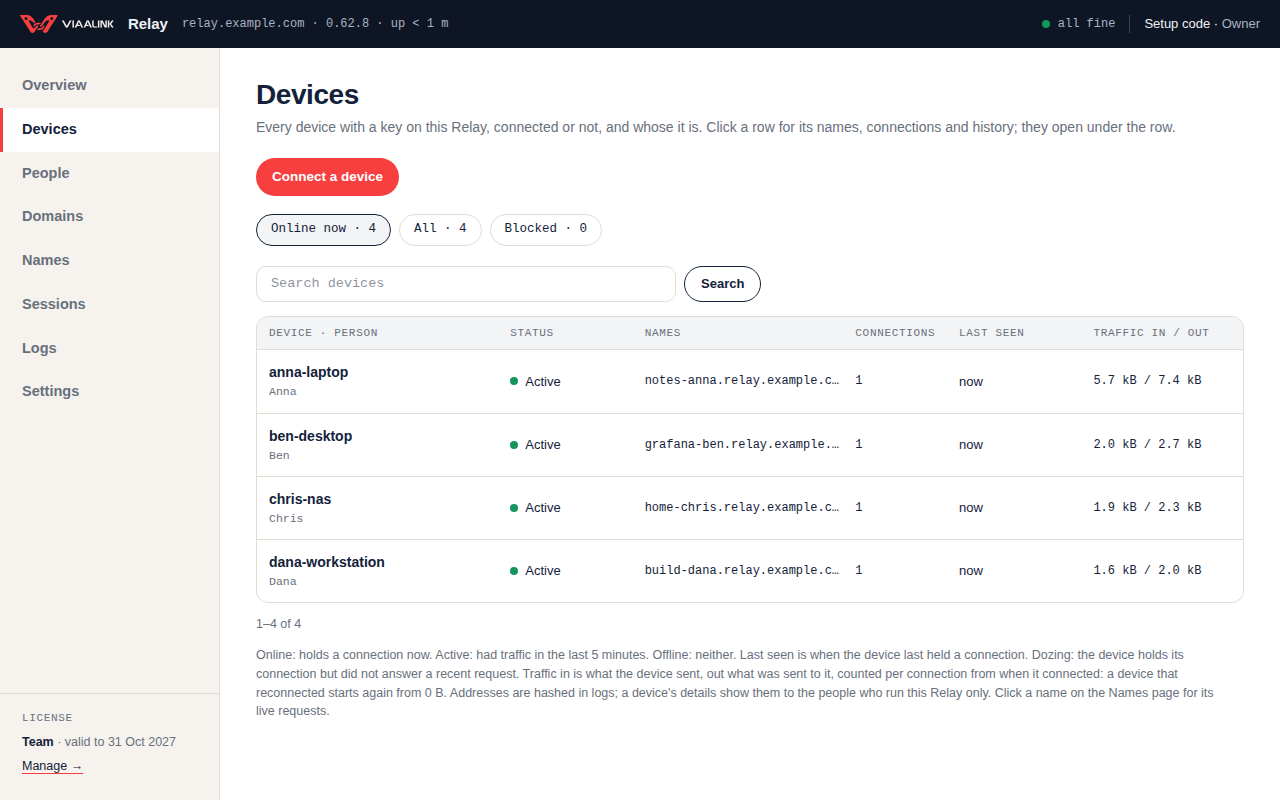
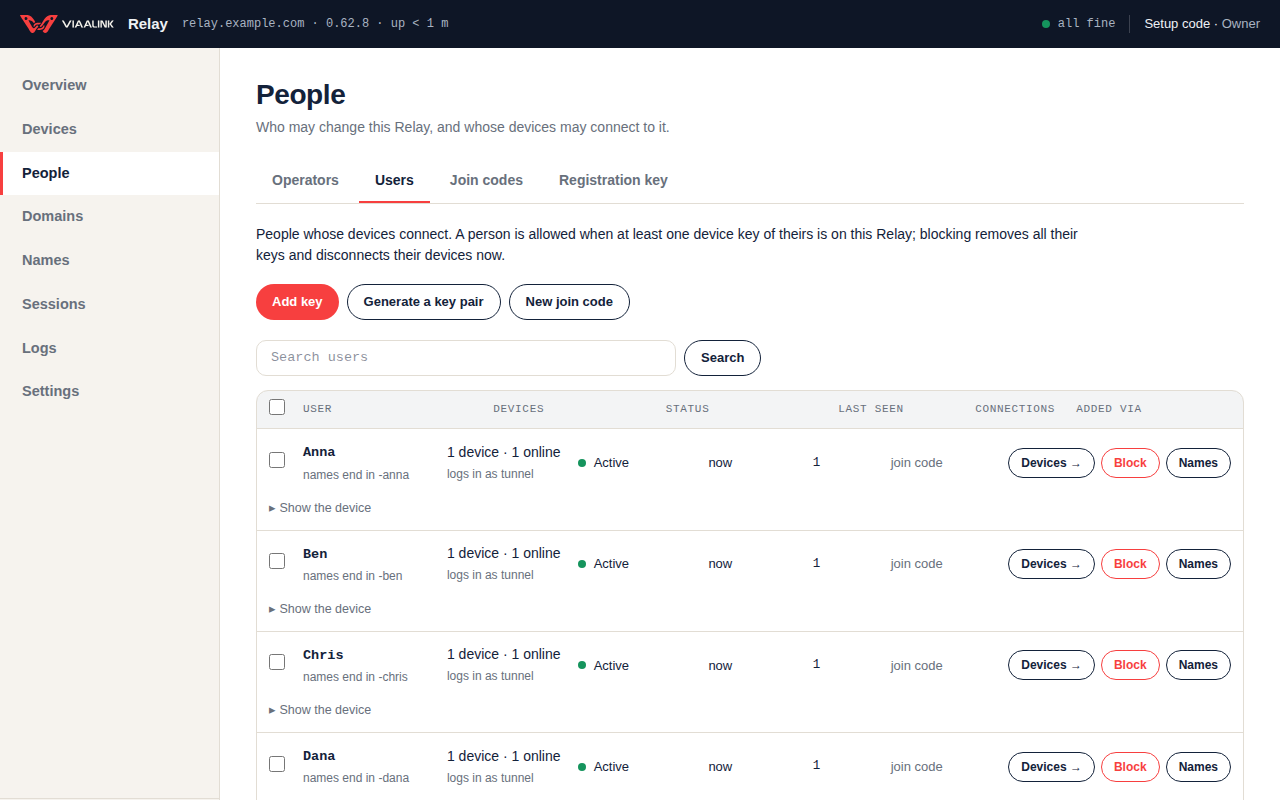
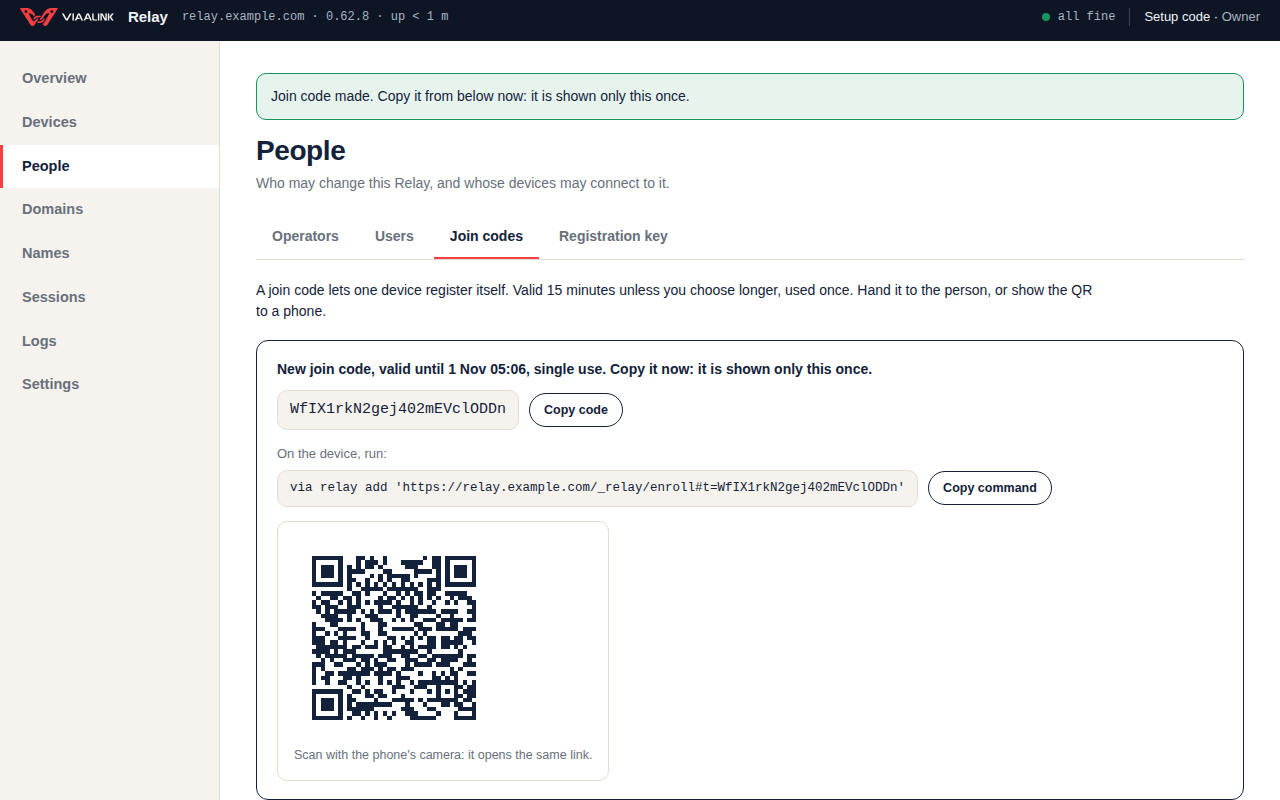
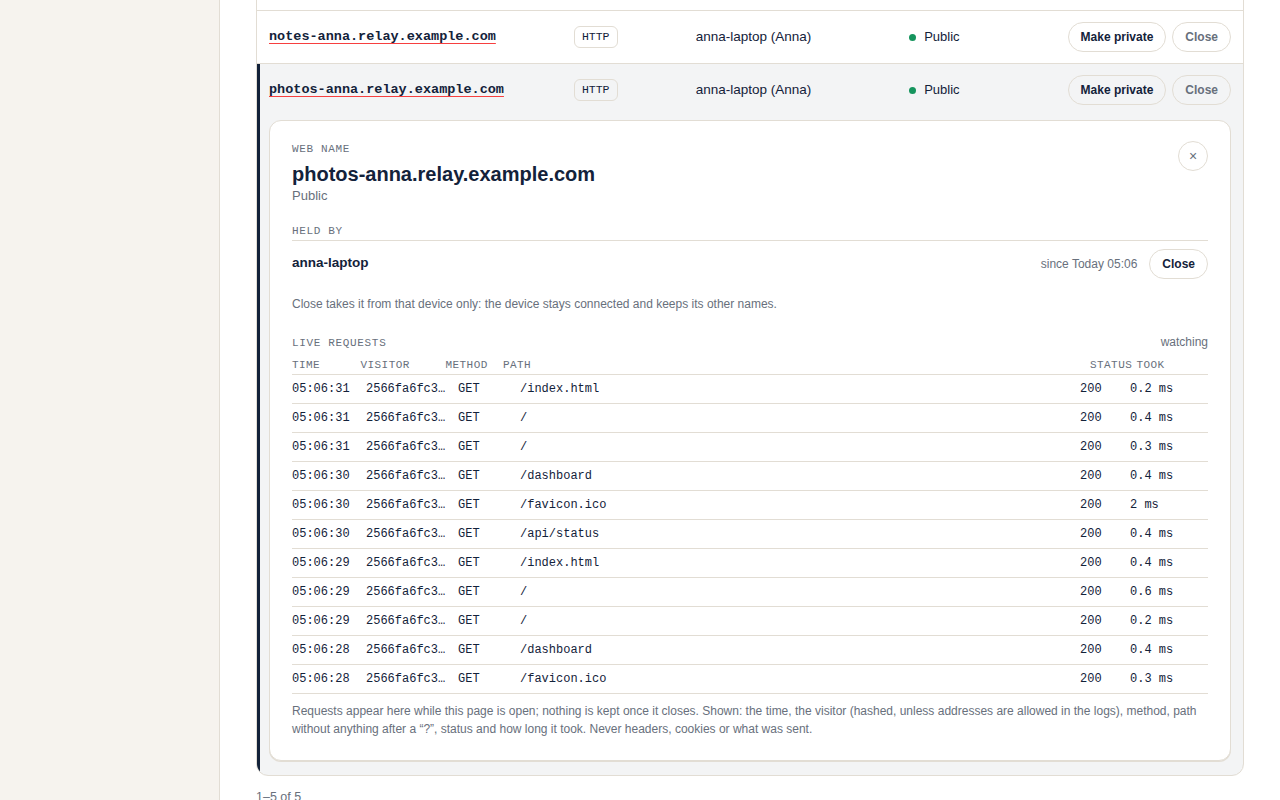
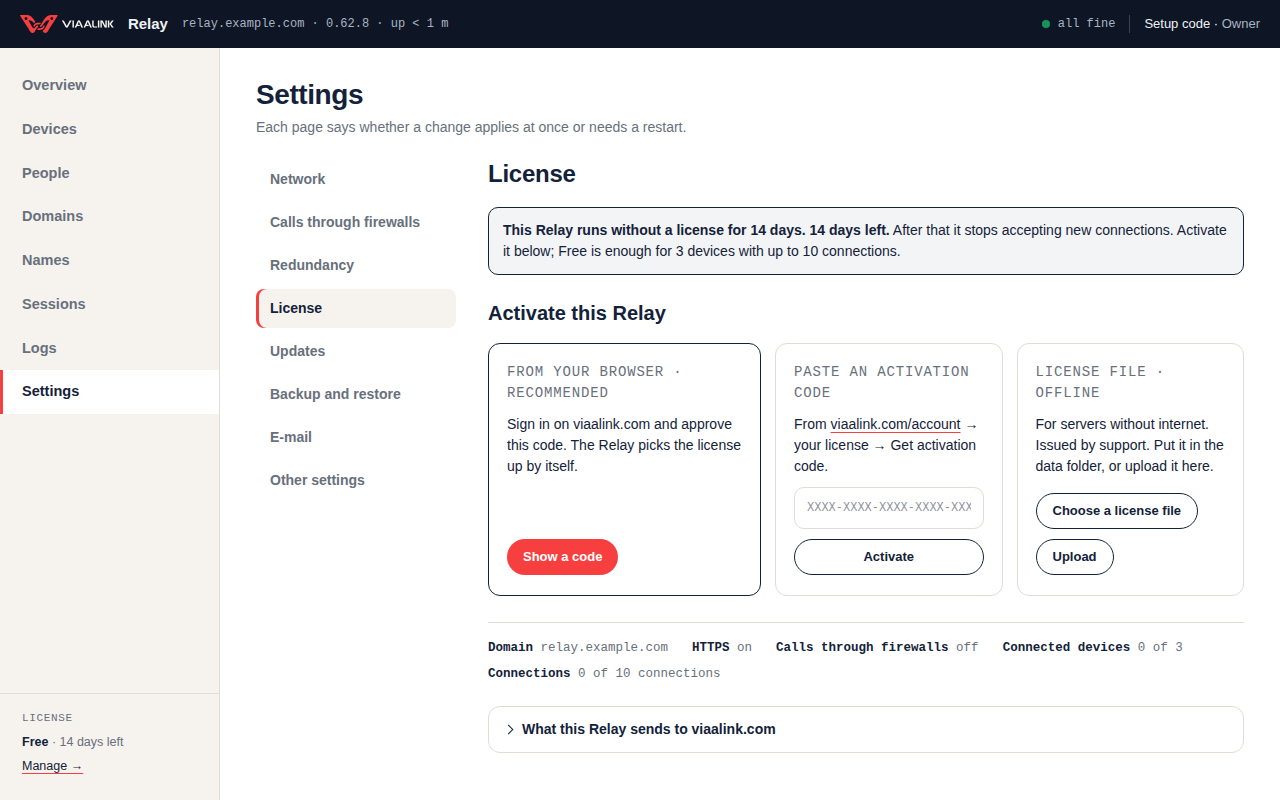
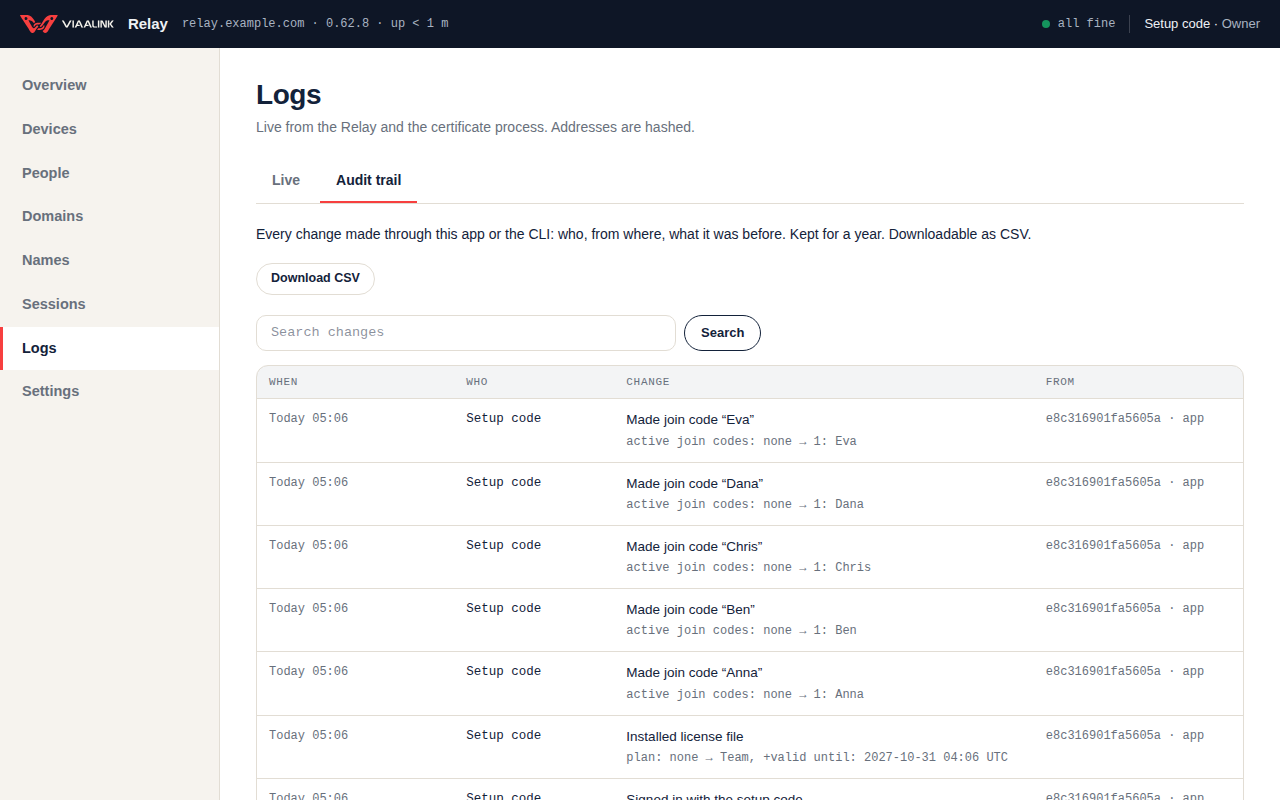
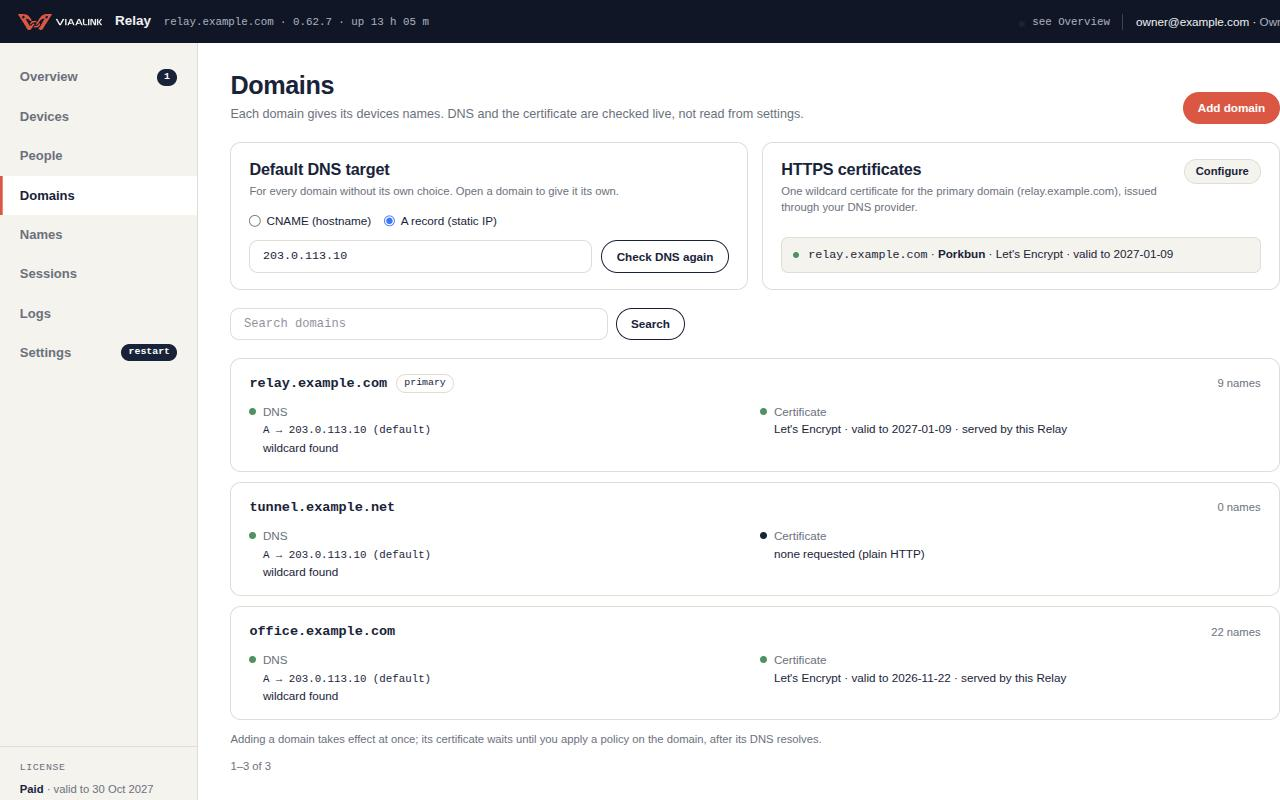
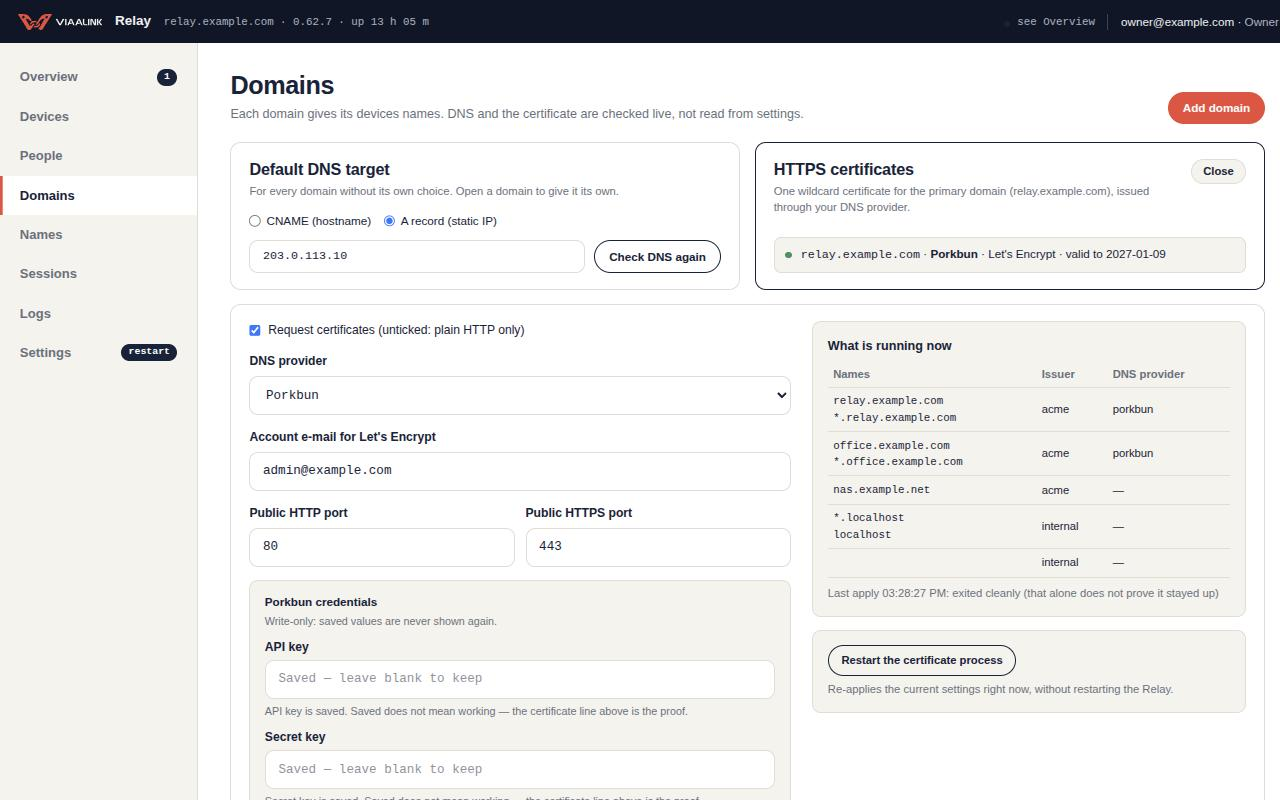
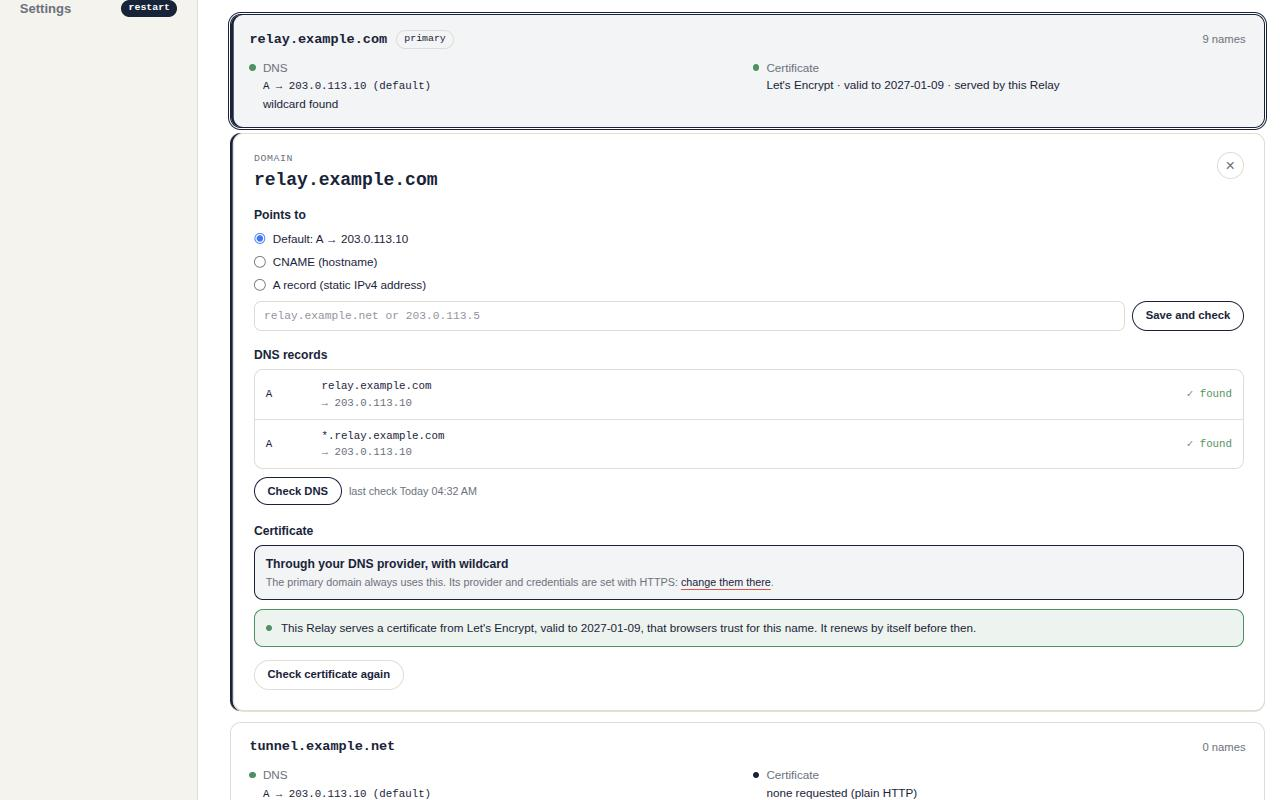
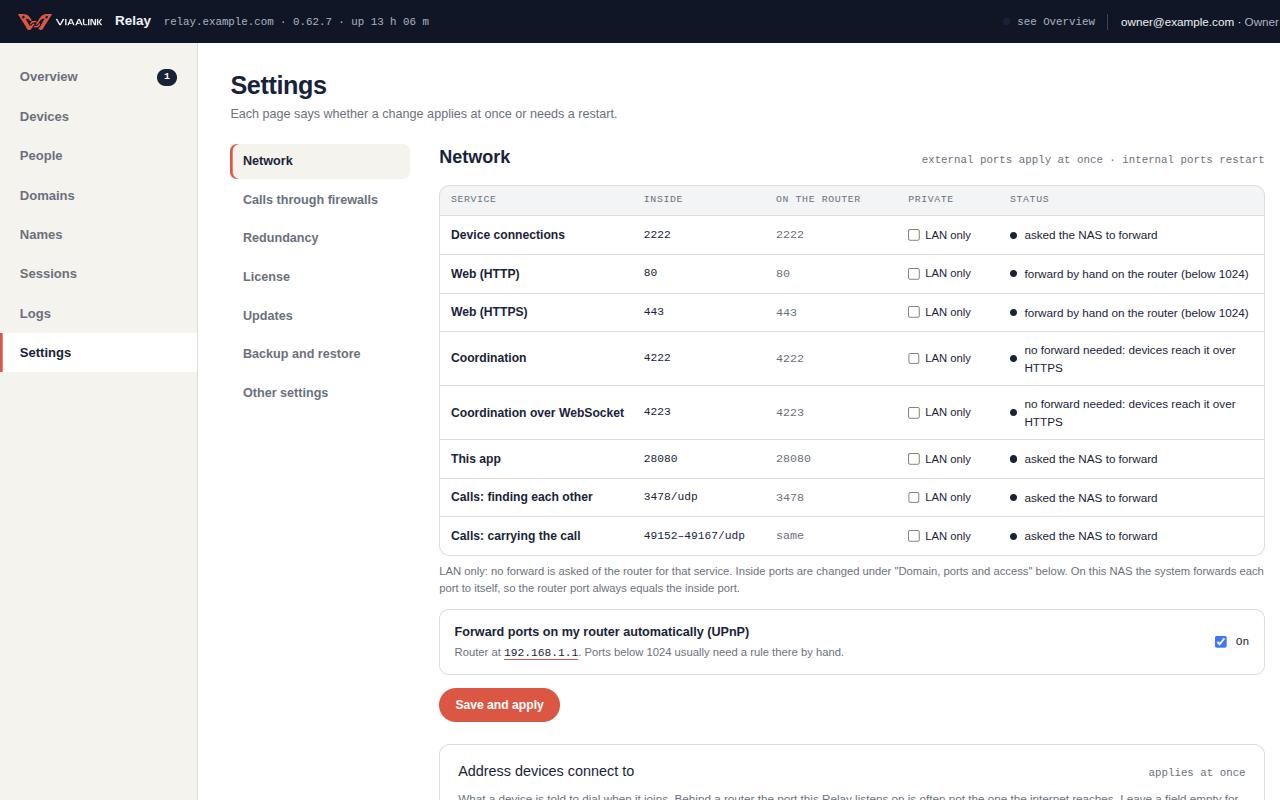
Connect a device
Devices connect with the Viaalink CLI. Under People › Join codes, make a single-use join code and run the command it shows on the device:
via relay add '<join link>'Then publish a local port, for example:
via expose 3000See Connect to a Relay.
Get it
- ASUSTOR NAS: the App Central listing is under review. Until it is live, ask info@viaalink.com for the
.apkand install it by hand: see Run Relay on ASUSTOR. - Docker:
ghcr.io/viaalink/relay:1.37.0or, on Docker Hub,viaalink/viaalink-relay:1.37.0(the same image). See Run Relay with Docker. - Linux, macOS and Windows: downloads on GitHub.
Plans
Free is 3 connected devices (up to 10 connections), with calls through firewalls included; you activate it with a free viaalink.com account. Paid plans: Personal €99, Team €490 and Business €1.490 per year including VAT. Compare them on the Relay page.
Buy a license